

1. Create your project
Sign up at console.duraton.ai. A workspace is created for you with a first project inside it, and the Overview walks you through the steps below. A project is the isolated slice - its own runs, events, keys, and runners; a workspace holds many. You can add more projects - and invite members - later.2. Issue an API key
Keys are scoped to a project. In the console, open API Keys and issue a secret key. A secret key is read + write - your runner connects and reports results with it. It’s shown once, so copy it now.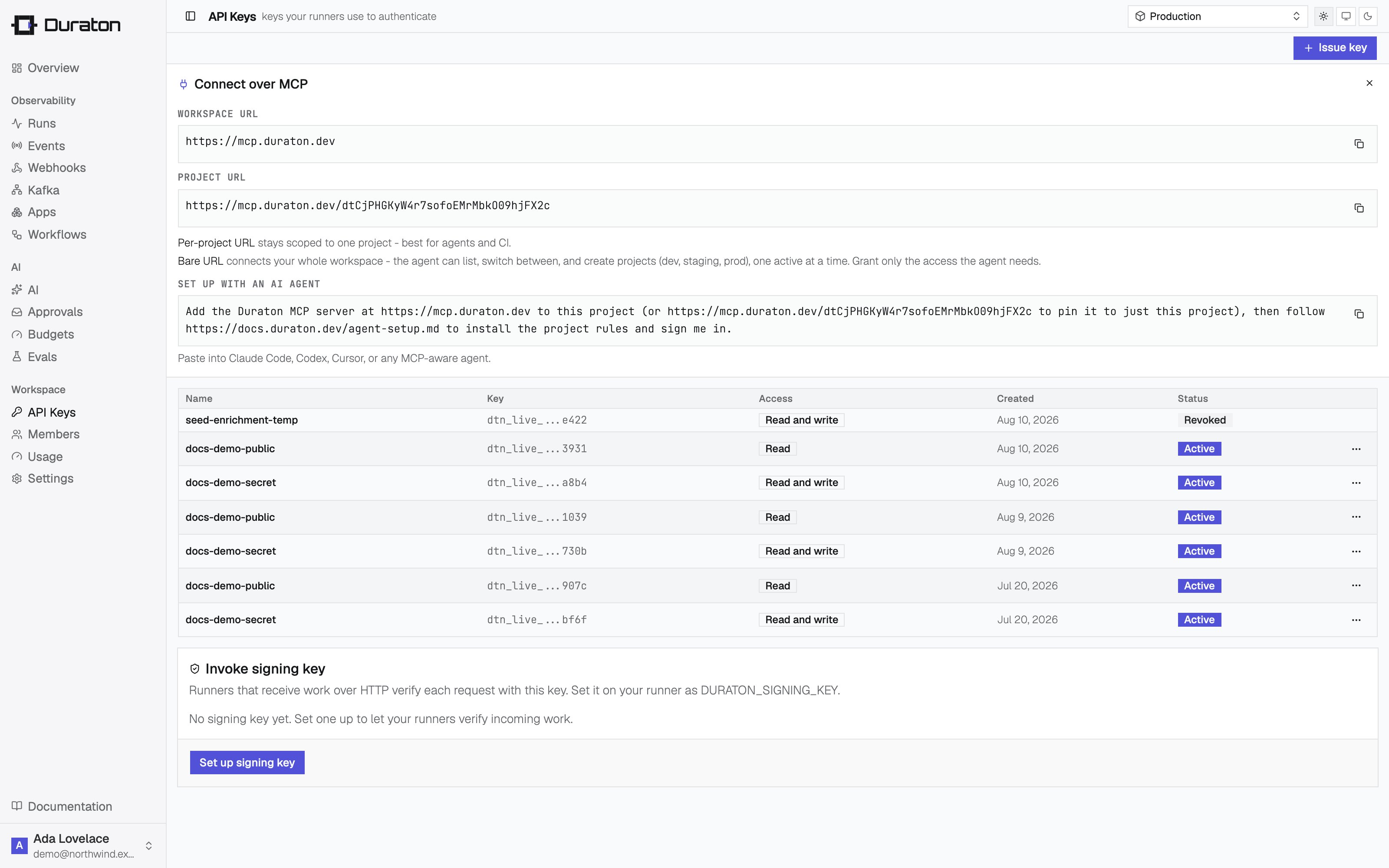
3. Write a workflow
Install the SDK. It runs on Node.js and Bun:runner.ts
4. Connect a runner
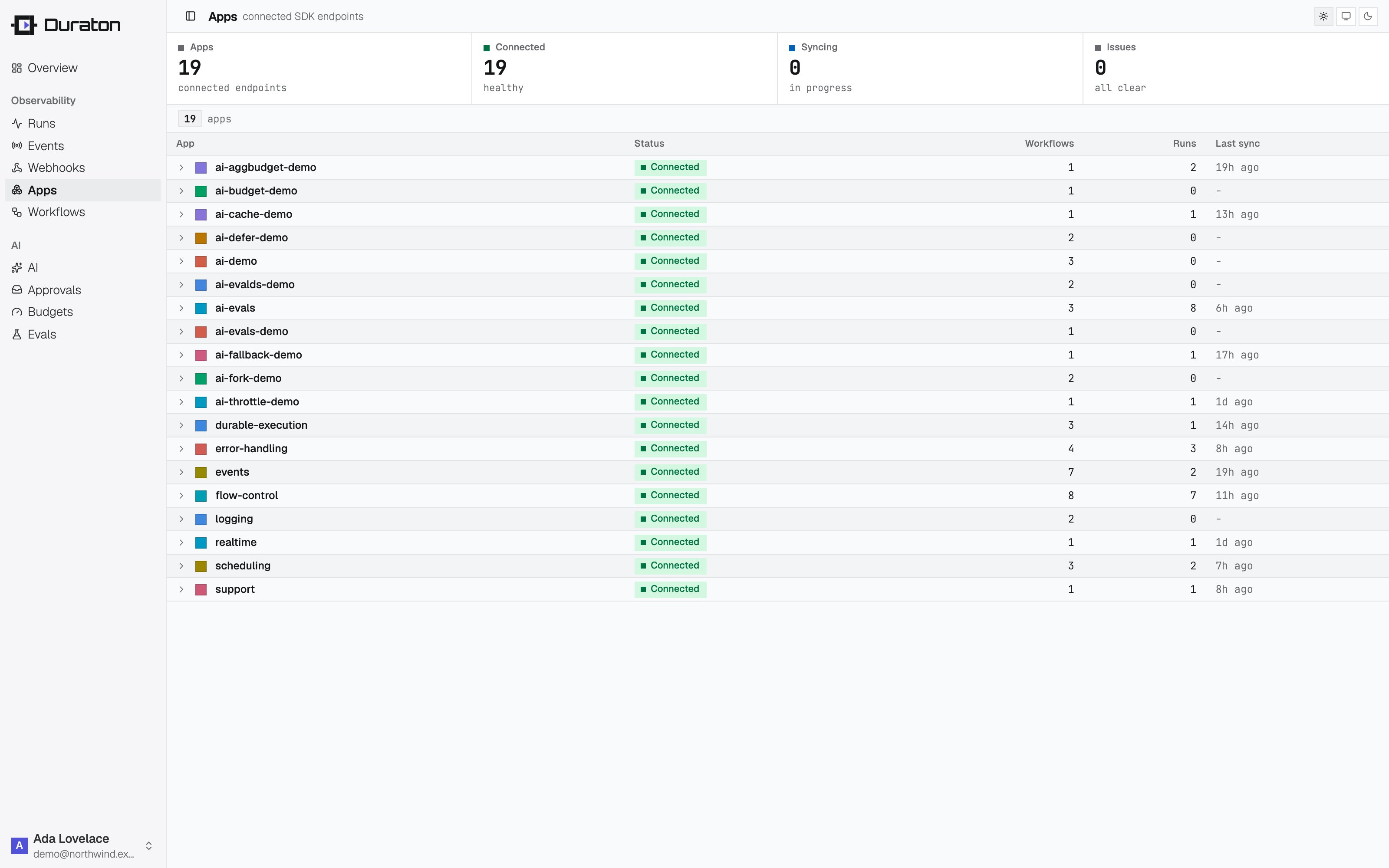
connect() dials Duraton over an outbound WebSocket. There is no port to expose, no public URL, and
no separate registration - it works from a laptop, a container, or a box behind NAT. It reads
DURATON_API_KEY from the environment you set in step 2. app groups a runner’s workflows under a
name the console and other runners see; skip it and it defaults to "default".
runner.ts
5. Trigger it
Send the event the workflow listens for - with the SDK client, or over the REST API authenticated with your key:- TypeScript
- REST API
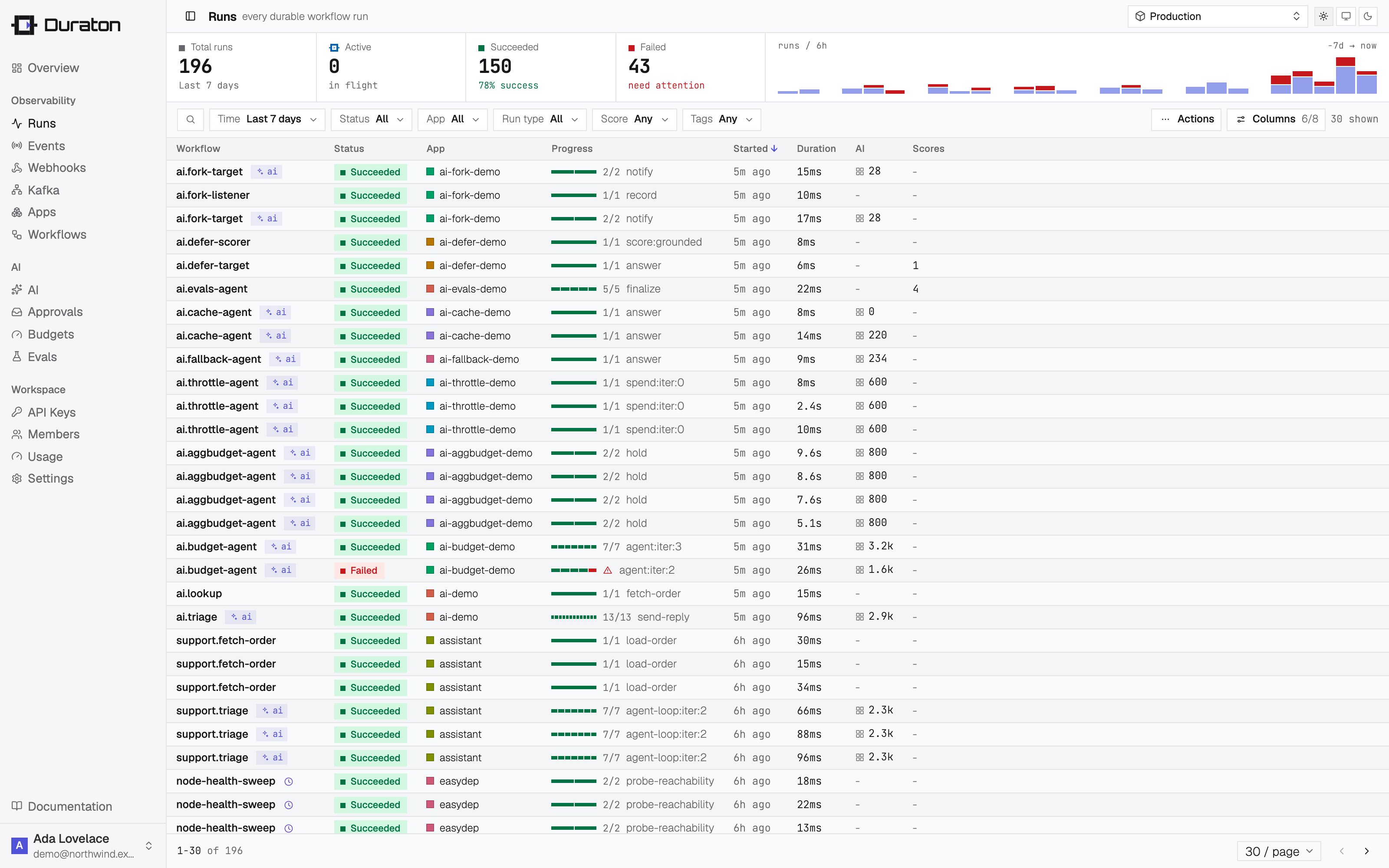
triage completes, the run waits out the sleep, then refund completes
and the run succeeds - streaming in live as it executes.
6. Restart the runner mid-run
While the run is sleeping, stop your runner (Ctrl-C) and start it again the same way you ran it above. Duraton holds the run and re-invokes when the runner reconnects.triage does not run a second
time - its result was recorded on the first pass, so the run resumes at refund.
Next steps
Examples
Runnable snippets for retries, cron, approvals, replay, and AI.
Steps
step.run, step.sleep, and what to wrap.
Retries
Control how failed steps retry.
AI quickstart
Make a model call a durable step.